Run the whole B2B data platform from your AI agent
Connect Claude, Cursor, or any MCP-compatible agent to Vayne and run every API feature from a chat: build Sales Navigator searches, scrape profiles and companies, find emails and phone numbers, and push fresh data straight to Clay, your CRM, or any GTM tool.
- Every Vayne API feature, exposed as 30+ MCP tools
- Works with Claude, Cursor, and any MCP-compatible agent
- No extra cost — same credits as the web app and API
 4.7 on G2 — Trusted by 10,000+ lead gen experts
How to connect Vayne to your AI agent in 3 simple steps
-
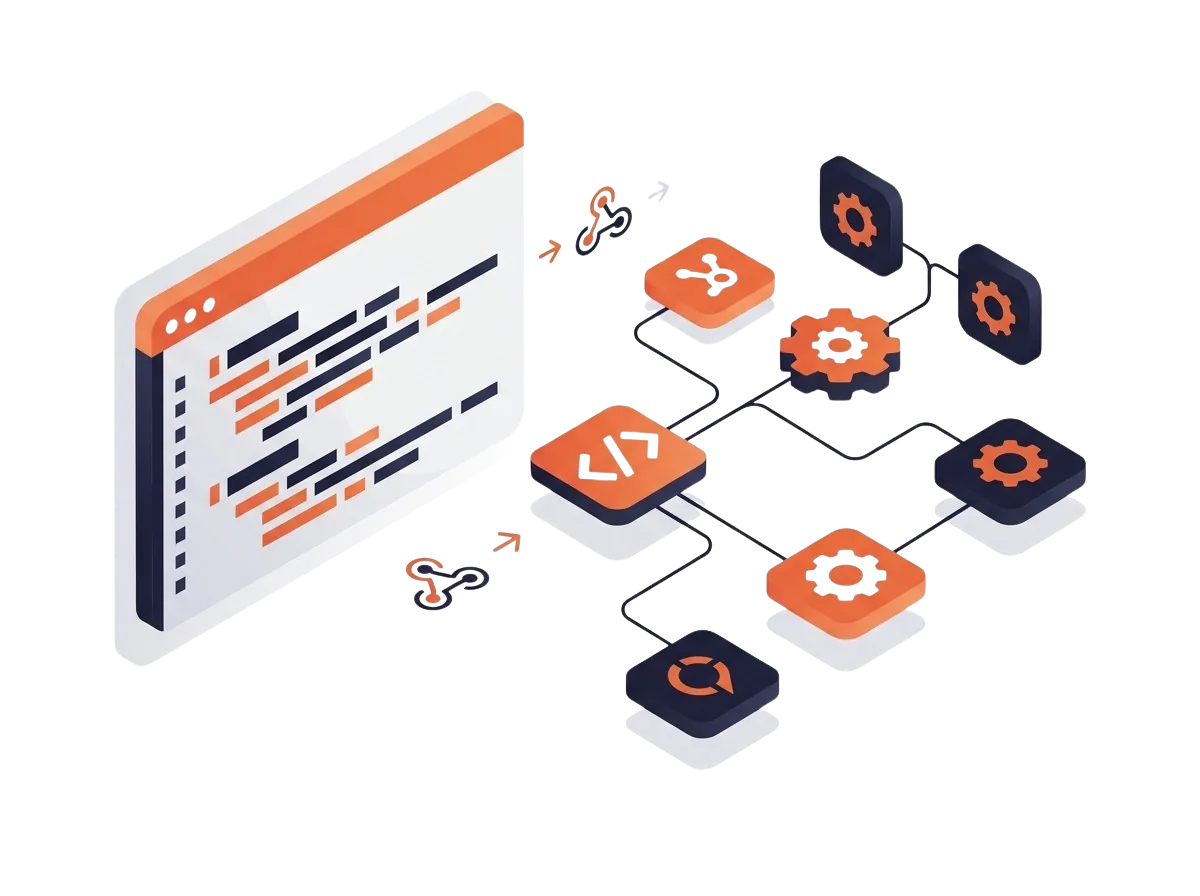 1 Connect Vayne to your agent Be on a plan with API access (Starter and above), open MCP Setup in your Vayne dashboard, and copy the ready-made configuration for your client — Claude Code, Claude Desktop, Cursor, or the Claude Agent SDK. On claude.ai, just add the server URL as a custom connector and sign in: no API key to handle.
 -
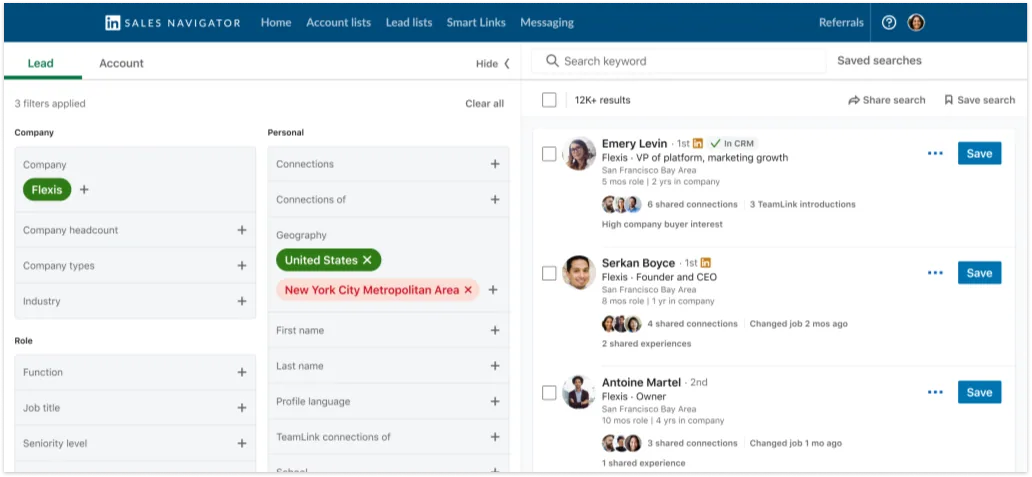 2 Ask for leads in plain English Describe your target — 'CFOs and VPs of Finance at chemical manufacturers in North America with 800+ employees.' Your agent turns it into a real Sales Navigator search and estimates how many profiles it will return, before a single credit is spent.
 -
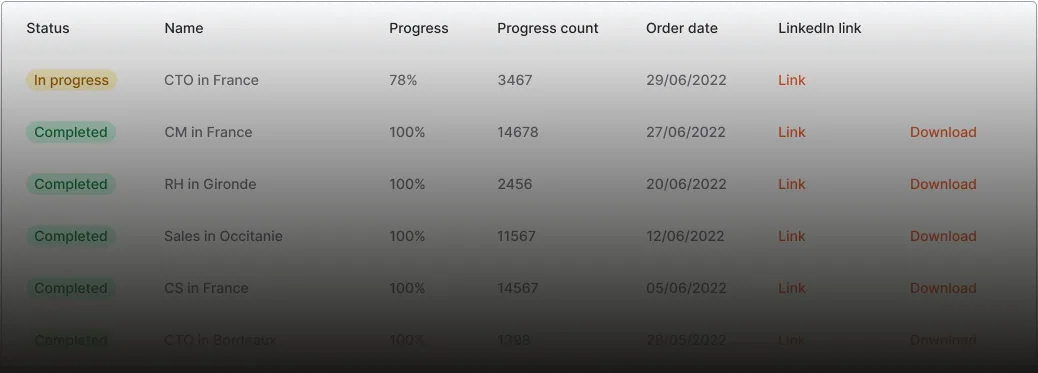
 3 Scrape and deliver anywhere Approve the search and your agent creates the scraping order, monitors progress on its own, and fetches the results — then downloads the CSV or pushes the data as JSON to Clay, your CRM, or any webhook you give it.
Build complex Sales Navigator searches by chatting
An MCP exclusive on top of the regular API: describe your ICP in plain English and your agent assembles a real Sales Navigator URL from LinkedIn's own filters, then asks Vayne for a result estimate. You only scrape once you like the numbers — estimates are free.
- Job titles with boolean logic, e.g. (VP OR head of) AND finance
- Seniority, function, headcount, industry, geography, current company
- Include and exclude values on every filter
- Headcount, headquarters, industry, annual revenue
- Signals like hiring on LinkedIn, follower count, or Fortune ranking
- Free-text keywords on top of the structured filters
Every Vayne feature, one connection
The MCP wraps the entire Vayne API in 30+ tools your agent can call — the same features you use in the dashboard, now available mid-conversation.

- Sales Navigator scraping — up to 20,000 results per search
- Profile & company scraping — instant for one URL, batch for lists
- Post engagement — every liker and commenter on a post
- LinkedIn job search and job scraping
- Email & phone enrichment (contact finder)
- Reverse email lookup — from a B2B email to the LinkedIn profile
- Find people by company and job title
- Credit balances and daily scraping limits
- LinkedIn connection status
- Order history, progress, and CSV exports
Scraping credits fund searches, scrapes, and lookups; enrichment credits fund email and phone enrichment. Your agent can check both balances at any time and confirm the cost before spending. Full tool list in the MCP documentation.
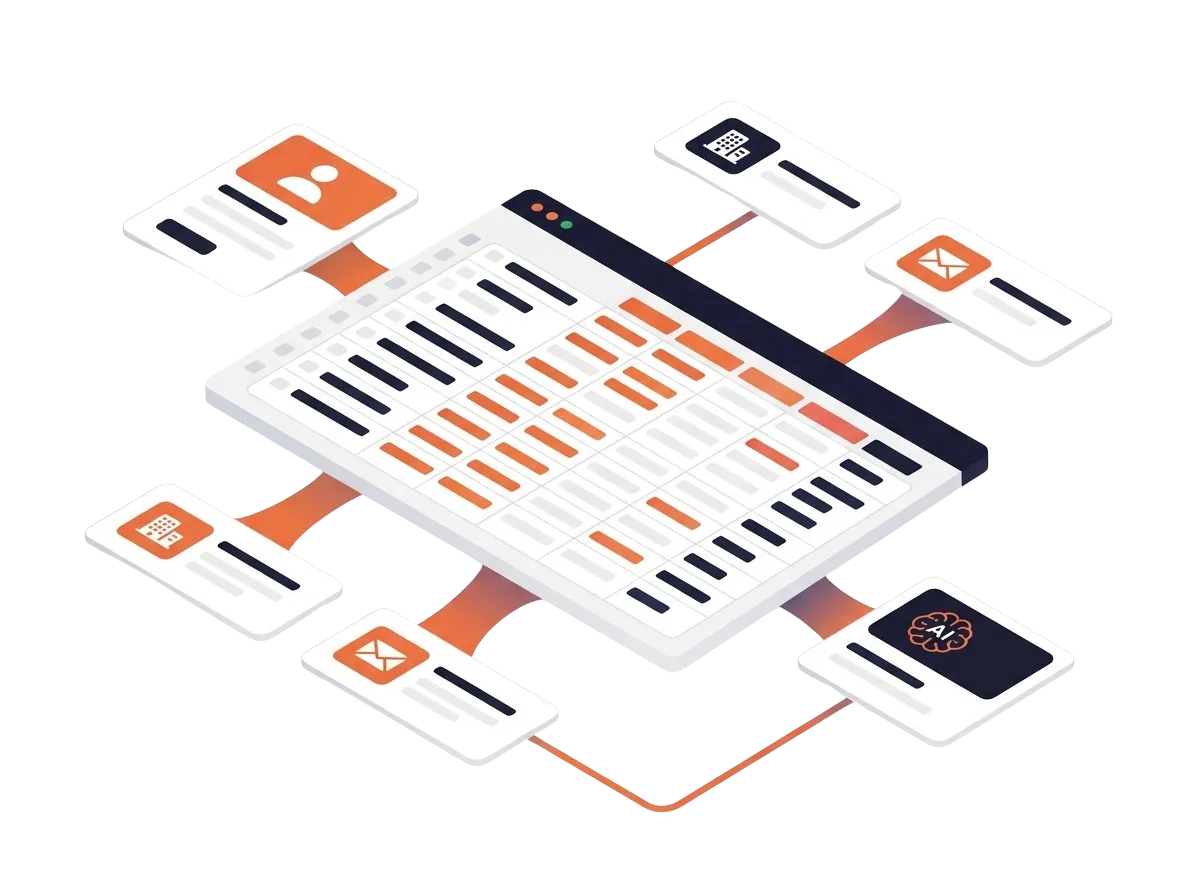
Push fresh LinkedIn data to Clay, your CRM, or any webhook
Data is only useful where your workflows live. Once a scrape finishes, your agent can format the results and deliver them wherever you work — no CSV juggling, no manual imports.
From one prompt to a populated Clay table
The exact workflow from the demo video. Run it every Monday and most of your list-building happens without you.
- 1 Describe your ICP CFOs and VPs of Finance, chemical manufacturers, North America, 800+ employees — one sentence to your agent is enough. Chat with your agent
- 2 Build & estimate The agent assembles the Sales Navigator search and estimates the result count — free, before any credit is spent. Learn more
- 3 Scrape The agent launches the order, checks progress on its own, and pulls the clean, deduplicated export when it's done. You stay hands-off
- 4 Deliver CSV download, JSON to your Clay or Bitscale webhook, or a refreshed CRM — enriched with emails and phone numbers if you ask. See the MCP docs
Who uses the Vayne MCP
Anywhere lead generation is repetitive, an agent with Vayne tools can take over the busywork.
Powerful for agents, safe for your account
Every paid tool is guarded: your agent sees credit costs and remaining balances before launching anything, scraping orders are throttled to 5 per 15 minutes, orders larger than your available credits are refused, and webhook deliveries to a never-seen destination wait for your one-click email approval. Rotate your API token or revoke OAuth access at any time from your Vayne account.
4.7 / 5 on G2
Trusted by 10,000+ lead generation experts
“Vayne did exactly what it says on the packaging: it scraped LinkedIn data efficiently and without getting me logged out by LinkedIn. I've used various LinkedIn scraping tools over the years, and Vayne was the one that aligned best with our requirements. Customer support was exemplary throughout the entire process, and the product pricing was significantly better than competing products.”
“Absolutely revolutionary when it comes to data gathering. I've tried around 10-15 products in the last 6 years or so and Vayne is hands down the best. The reason is simple, it just works. Plus, great support, any questions are resolved within 1 day.”
 David K.
Founder
Small-Business (50 or fewer emp.) · Jun 9, 2026
David K.
Founder
Small-Business (50 or fewer emp.) · Jun 9, 2026
“The speed and especially the simplicity of the product. Very stable and robust, that's what one asks for in a scraping tool. Compatible with Mirrorprofiles, so perfect!”
 Fred D.
CEO
Small-Business (50 or fewer emp.) · May 19, 2026
Fred D.
CEO
Small-Business (50 or fewer emp.) · May 19, 2026
Frequently asked questions about the Vayne MCP server
What is the Vayne MCP server?
MCP (Model Context Protocol) is an open standard that lets AI assistants use external tools. The Vayne MCP server exposes every Vayne API feature — Sales Navigator scraping, profile and company scraping, job and post scraping, reverse email lookup, and email & phone enrichment — as tools your AI agent can call. You chat; the agent runs the pipeline.
Which AI agents and apps work with the Vayne MCP?
Any MCP-compatible client. Vayne ships copy-paste setup for Claude.ai (web), Claude Code, Claude Desktop, Cursor, and the Claude Agent SDK, and works with other clients such as Goose, Cline, or OpenCode: point them at the server URL with your API token in the Authorization header.
What do I need to use the MCP?
A Vayne plan that includes API access — Starter or above. That's it: the MCP is included with the API at no extra cost. Grab your API key from API Settings, or connect from claude.ai and simply sign in to Vayne when prompted (OAuth, no key handling).
Does the MCP cost extra credits?
No. MCP actions consume exactly the same credits as the web app and the API: scraping credits for searches, scrapes, and lookups; enrichment credits for email & phone enrichment. Your agent can check both balances at any time and confirms the cost before spending.
Can my agent really build Sales Navigator searches?
Yes — and it's an MCP exclusive. The agent translates plain-English targeting into a real Sales Navigator search using LinkedIn's own filters: job titles with boolean logic, seniority, function, industry, geography, headcount, and more, each with include and exclude support. It then estimates the number of results for free, so you only scrape once you like the numbers.
How do I push scraped data to Clay or my CRM?
Two ways. Ask the agent to fetch the finished export and post it as JSON to your Clay or Bitscale webhook, or attach a webhook URL to the job itself so Vayne delivers results automatically on completion. For CRMs, the agent can re-scrape a list of profile URLs and push the refreshed data to HubSpot, Attio, or Pipedrive.
Is it safe to let an AI agent spend my credits?
The MCP is built defensively. Paid tools surface their cost and your remaining balance so the agent confirms before spending, scraping orders are throttled to 5 per 15 minutes, orders larger than your available credits are refused, and webhook deliveries to a never-seen destination are held until you approve them via a one-click email.
Do I need a LinkedIn account?
Only for Sales Navigator scraping, which uses the LinkedIn session connected to your Vayne account — your agent can even check that connection's status with a dedicated tool. Profile & company scraping, post scraping, job scraping, reverse lookup, and enrichment run fully in the cloud with no LinkedIn account required.
What's the difference between the Vayne API and the MCP?
Same platform, same features, same credits. The API is for code you write; the MCP is for AI agents acting on your behalf — and it adds agent-only extras like the natural-language Sales Navigator search builder plus industry, location, and company lookups that help the agent target accurately.
How do I install the Vayne MCP server?
From your Vayne dashboard, open MCP Setup on any feature page. You'll find the server URL and one-click copy configurations for Claude Code, Claude Desktop, Cursor, and the Claude Agent SDK — each snippet just needs your API key. Connection details, the full tool list, and troubleshooting live in the MCP documentation on this site.
Connect your AI agent to Vayne today
Join 10,000+ sales teams and agencies using Vayne. Five minutes to connect, one prompt to your first scrape — and fresh LinkedIn data flowing into your GTM stack. No credit card required to start.