LinkedIn Buying Signals: Turn Post Interactions into a Warm Pipeline
How to identify warm B2B prospects from LinkedIn post interactions, qualify them with Claude AI, and automate the full enrichment and outreach workflow using Vayne and n8n — on autopilot, every week.
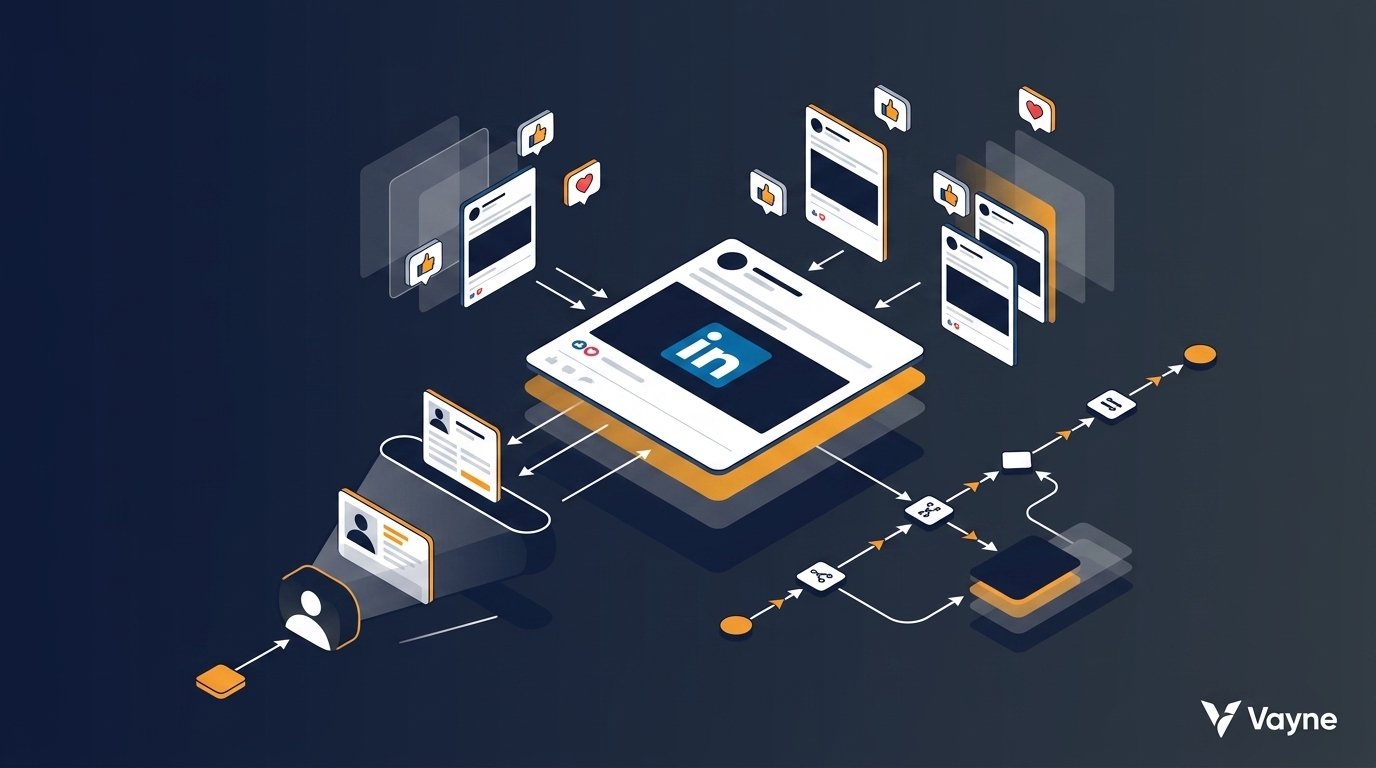
Most outbound starts cold. You build a list, guess at intent, and hope that a message lands at the right moment. LinkedIn buying signals flip that equation: instead of interrupting strangers, you identify people who have already signalled interest — by publicly engaging with content that is directly adjacent to the problem your product solves. This guide walks through how to turn LinkedIn post interactions into a structured warm pipeline, and how to automate the entire workflow end-to-end using Vayne, n8n, and Claude.
What Is a LinkedIn Buying Signal?
A buying signal is any behaviour that indicates a prospect is actively thinking about a problem your product addresses. On LinkedIn, signals range in strength:
Signal | What It Tells You | Intent Level |
|---|---|---|
Liked a post about a pain point | Passively interested in the topic | Medium |
Commented on a pain-point post | Actively engaged — has an opinion | High |
Published their own post on the topic | Currently experiencing the problem | Very High |
Interacted with a competitor's content | Evaluating solutions in your category | Very High |
Followed a competitor's company page | Actively researching alternatives | High |
Post interactions — likes and comments — sit in the sweet spot: they are public, real-time, and abundant. Unlike form fills or intent-data subscriptions, they require no budget and no third-party data provider.
Why Post Interactions Are the Most Actionable Signal
Three properties make LinkedIn post interactions uniquely valuable for B2B prospecting:
They are self-qualifying. A person who likes a post about sales automation pain points has already told you what they care about — without filling in any form.
Comments contain personalisation data. When someone leaves a comment, you have their exact words about the topic. That is a ready-made icebreaker: reference their comment in your first message and your open rate increases immediately.
Competitor audiences are pre-warmed. If you scrape the people interacting with a competitor founder's posts, you are talking to an audience that is already in your market, already aware of the category, and potentially dissatisfied enough to be evaluating alternatives.
The 5-Step LinkedIn Buying Signal Workflow
Here is the full workflow from signal identification to campaign entry:
Step | Action | Tool |
|---|---|---|
1 | Find relevant posts to monitor | LinkedIn search / manual selection |
2 | Scrape all likers and commenters | Vayne Post Scraper |
3 | Enrich full LinkedIn profile data | Vayne Profile URL Scraper |
4 | Qualify ICP fit | Claude AI agent (via n8n) |
5 | Push to campaign or CRM | Lemlist / HeyReach / your CRM |
Step 1 — Find the Right Posts to Monitor
The post you target determines the quality of your prospect list. Three categories consistently deliver the highest-intent audiences:
Competitor founder posts. A founder posting about lead generation challenges is broadcasting to their entire audience — people who are already in your market and engaged enough to follow them. Scrape a week of their posts and you have a warm list of category-aware prospects.
Industry pain-point posts. Search LinkedIn for posts discussing specific problems your product solves. A post asking "how do you handle LinkedIn outreach at scale?" is a direct signal for anyone in your pipeline.
Niche influencer content. In any B2B niche there are 10–20 voices whose audiences closely mirror your ICP. Monitoring their engagement gives you a steady stream of pre-qualified contacts.
You can target a single post URL or an entire profile. Vayne lets you scrape all posts from a given LinkedIn profile across the last 24 hours, last week, or last month — giving you significantly more data than any single post.
Step 2 — Scrape Post Interactions with Vayne
Paste the post URL (or a profile URL) into Vayne's Post Scraper and start the order. For each person who liked or commented, Vayne returns:
Their name
LinkedIn profile URL (both vanity and complex URL formats are returned and both work equally well for the next step)
Their headline / position as displayed on their profile
Reaction type — like, celebrate, insightful, etc.
The full text of their comment, if they left one
Results are deduplicated — if someone both liked and commented, they appear once with all data combined. At typical engagement rates on a well-performing post, you will collect 30–200 contacts per scrape.
Important: Vayne's Post Scraper does not use your LinkedIn account at all. You can run it even without a LinkedIn profile. There is zero risk of account restrictions or bans.
Step 3 — Enrich Full LinkedIn Profile Data
The Post Scraper gives you LinkedIn URLs and basic headline data. To make proper ICP decisions, you need the full profile: actual job title, company name, company size, industry, seniority, and location.
Feed the collected URLs into Vayne's LinkedIn Profile URL Scraper. It accepts both the clean vanity URLs (linkedin.com/in/username) and the longer internal URL format that the Post Scraper sometimes returns — both work without any pre-processing. You get back structured JSON with all the profile fields you need for ICP scoring.
Step 4 — Qualify ICP Fit with Claude AI
Once you have full profile data, you need to decide who is worth reaching out to. A basic approach is field filtering — job title contains "VP", company size between 50 and 500, industry is "SaaS". This works, but it misses nuance and generates false negatives.
A better approach is to add a Claude AI agent node in your n8n workflow. Pass it the full profile — job title, company description, industry, seniority, location, and the prospect's comment text — and ask it to assess ICP fit holistically. Claude can:
Assess whether the job description reflects the decision-making authority you need
Read the company description and determine whether the business context fits your use case
Score ICP fit on a scale and explain the reasoning
Route the prospect to different campaigns based on which ICP segment they best match
This turns a blunt filter into a nuanced qualification layer — the same one a good SDR would apply manually, running in seconds at scale.
Step 5 — Enrich Email and Push to Campaign
Qualified prospects move to enrichment: add a business email address using DropContact, Apollo, or any provider with an n8n integration. Then push to your campaign:
Email sequence (Lemlist, Instantly, Smartlead)
LinkedIn outreach (HeyReach, Expandi, La Growth Machine)
CRM (HubSpot, Salesforce, Pipedrive)
The comment text you collected in Step 2 becomes a personalisation token. Reference it directly: "I saw your comment on [post topic] where you mentioned [their words] — that's exactly the problem Vayne solves." This level of specificity is impossible with cold list building.
Fully Automated: The Vayne + n8n + Claude Blueprint
Running this manually once is useful. Running it automatically every week — without touching it — is where the real leverage comes from. Here is how to set it up:
Part 1 — Recurring Scrape with Vayne Automations
In Vayne, go to the Automation section and create a new Post Scraping automation. Paste the LinkedIn profile URL of your target (a competitor founder, a niche influencer, or a relevant thought leader). Configure:
Scope: Last week — scrapes all posts published in the previous 7 days
Max posts: Up to 20 posts per run — set this based on how active the account is
Frequency: Weekly, starting next Monday at midnight
Webhook URL: Your n8n workflow webhook — data is pushed here automatically when scraping completes
Every Monday, Vayne scrapes all interactions from the past week, deduplicates the results, and pushes a structured payload to your n8n webhook. You never have to log in or trigger anything manually.
Part 2 — The n8n Processing Workflow
Your second n8n workflow starts with the webhook node and handles everything downstream:
Webhook trigger — receives the scraped data from Vayne
Download CSV — fetches the results file from Vayne's storage
Extract records — parses each contact row
Vayne Profile Scraper API call — enriches each LinkedIn URL with full profile data
Claude AI agent — assesses ICP fit and routes to appropriate segment
Filter node — drops anyone below your ICP threshold
Email enrichment — DropContact / Apollo lookup for business email
Campaign push — Lemlist, HeyReach, or CRM depending on segment
Slack notification — confirms the run completed and how many leads were added
Building the Workflow with Claude
You do not need to be an n8n expert to build this. Vayne's API documentation includes full OpenAPI specifications. Copy the spec, open Claude, and ask it to generate the n8n workflow JSON for your exact use case — including the profile scraper calls, the ICP scoring prompt, and the campaign push logic. Paste the output directly into the n8n JSON editor. The workflow runs from day one.
As Aurélien describes in Vayne's demo: "You can ask Claude to build the n8n workflow directly for you. So even if you're not an expert, it's very easy to get it going. You just need to specify that you want the result written as JSON, so you can copy and paste it directly into the editor and it will build the workflow automatically."
What You Get Every Week, on Autopilot
Once the automation is running, your output each week is:
A fresh list of people who publicly engaged with relevant content in your niche
Full LinkedIn profile data — title, company, industry, seniority, location
ICP qualification score with reasoning from Claude
Business email addresses for qualified prospects
Comment text for 1:1 personalisation
Zero manual prospecting time
For agencies managing multiple clients, run one automation per client ICP — each pointing at the competitor or influencer most relevant to their niche. Every Monday morning, each client's campaign gets a new batch of warm, qualified, personalised leads.
This is not list buying. These are people who have already raised their hand.
Why This Beats Traditional LinkedIn Outbound
Approach | Intent Signal | Personalisation | Account Risk | Automation |
|---|---|---|---|---|
Cold LinkedIn list | None | Name only | High (connection limits) | Limited |
Sales Navigator search | Weak (fit, not intent) | Role-based | Medium | Good |
LinkedIn post interactions (this workflow) | Strong (public engagement) | Comment text + topic | None (Vayne uses no account) | Full (weekly webhook) |
Frequently Asked Questions
What data does Vayne's LinkedIn Post Scraper return?
For each person who liked or commented on a post, Vayne returns their name, LinkedIn profile URL, headline/position, reaction type, and the full text of their comment if they left one. Results are deduplicated — each person appears once even if they both liked and commented. Depending on post engagement, a single scrape typically returns 30–200 contacts.
Do I need a LinkedIn account to use Vayne's Post Scraper?
No. Vayne's Post Scraper operates entirely without a LinkedIn account. You can run it even if you have no LinkedIn profile. This is in contrast to browser automation approaches that require authenticated sessions and put real accounts at risk. Per LinkedIn's User Agreement, automated access through unofficial means carries account restrictions — Vayne's architecture sidesteps this entirely.
Can I automate the scraping to run every week without manual intervention?
Yes. Vayne's Automation feature handles this natively. Set up a Post Scraping automation targeting a LinkedIn profile, choose weekly frequency, set the scope to 'last week', and add a webhook URL. Every Monday, Vayne runs the scrape and pushes results to your n8n workflow automatically — no login, no manual trigger required.
How does Claude check ICP fit in the n8n workflow?
You add a Claude AI agent node in n8n and pass it the full enriched profile: job title, company name, company description, industry, seniority, and the prospect's comment text. Claude assesses ICP fit holistically — reading the actual company description rather than just matching field values — and can score prospects, explain its reasoning, and route them between different campaigns based on which ICP segment they best match.
Is scraping LinkedIn post interactions legal?
The hiQ Labs v. LinkedIn ruling (2022) established that scraping publicly visible data on LinkedIn is protected under the CFAA. Post interactions — likes and comments — are public data visible to anyone without authentication. Always ensure your enrichment and outreach practices comply with GDPR and CAN-SPAM requirements for how you store and use the data.
Related Guides
How to Scrape LinkedIn Profiles in 2026 (Without Getting Banned)
LinkedIn Scraping in 2026: Methods, Tools & What Gets Your Account Banned
LinkedIn Email Scraper: How to Find & Export Emails from LinkedIn
How to Scrape LinkedIn Sales Navigator in 2026 (Safe, Legal & at Scale)
Best LinkedIn Scraper Tools in 2026 — Ranked by Ban Risk & Speed
Ready to turn LinkedIn engagement into a warm pipeline? Vayne's Post Scraper is available on all plans — start your first scrape in under two minutes at vayne.io.